

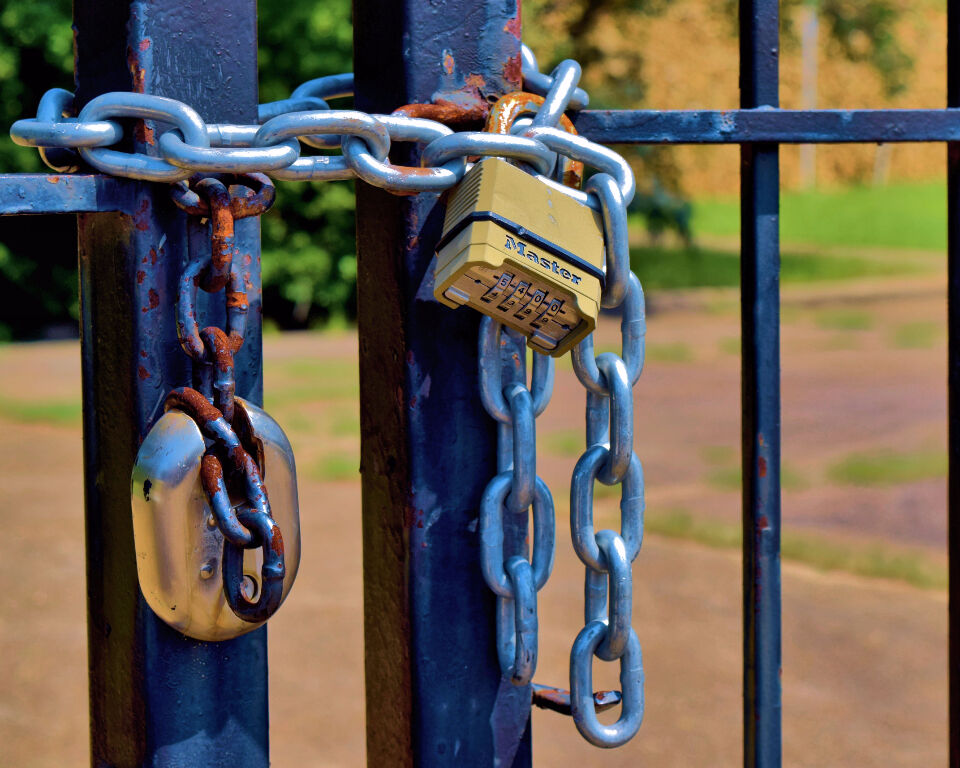
The padlock in a browser’s address bar has become something visitors expect to see. It tells them the connection to your website is encrypted. Without it, many browsers warn people that a site is not secure. That warning alone can be enough to make a customer leave.
Setting up HTTPS is one of the cheapest security jobs a small business can do. In many cases the certificate is free and your host can switch it on for you. This guide explains what HTTPS is, how certificates work and what to check once your site is running on it.
What HTTPS and TLS actually do
HTTPS is the secure version of the protocol web browsers use to load pages. It relies on a technology called Transport Layer Security, usually shortened to TLS. The older name, SSL, is still used in hosting menus and adverts. The technology itself has moved on, and SSL is now considered unsafe.
The Australian Cyber Security Centre explains that TLS and HTTPS provide both encryption and authentication. Encryption means people cannot view or change the information passing between a visitor and your site. Authentication means visitors can be confident they are connected to the site they meant to reach. Its guidance on implementing certificates, TLS and HTTPS says all website content should be delivered over HTTPS.
This matters for any site with a contact form, booking page or online shop. Names, phone numbers and payment details all travel across the internet. HTTPS keeps that information private while it is on the move. It also protects pages that only show information, since people can trust that nothing has been altered.
How security certificates work
A website proves its identity with a digital certificate. The certificate is issued by a certificate authority that browsers trust. To get one, the owner of the server has to prove they control the domain name. Browsers keep their own lists of trusted authorities and check every certificate against them.
There are three main types of certificate. Domain validated certificates confirm control of the domain. Organisation validated and extended validation certificates add checks on the business behind the site. According to the Australian Cyber Security Centre, these types differ in identity assurance and not in the strength of the encryption.
That point is worth remembering when a provider offers you an expensive certificate. The guidance says a more costly certificate does not give a greater level of confidentiality. It also says price is not a sign of security, quality or how long a certificate will last. Unless your business has a real need for extra identity checks, it suggests a free domain validated certificate.
Free certificates and automatic renewal
Let’s Encrypt is one free certificate authority named in the government guidance. Its certificates currently last 90 days, and Let’s Encrypt has announced shorter lifetimes from 2027, so they need renewing often. Doing that by hand is easy to forget. The guidance says organisations should try to automate certificate renewal.
Many hosting control panels now handle this for you. When you sign up for hosting, ask whether free certificates are included and whether they renew on their own. An expired certificate causes browser warnings that look alarming to visitors. Setting a reminder to check the padlock every few months is a sensible backup.
If you are comparing hosts, think about who looks after this side of the site. Some plans include certificates and renewal as standard. Others charge extra or leave it to you. Good design counts for little if visitors are scared off by a warning. Our post on why good web design is important for your business covers the bigger picture.
Redirects, mixed content and other checks
Turning on a certificate is only part of the job. Anyone who types the old address or follows an old link may still land on the unsecured version. The guidance says any access over HTTP should be redirected automatically to the same page over HTTPS. It recommends a permanent 301 redirect for this.
The next check is for mixed content. This happens when a secure page still loads images, scripts or fonts over plain HTTP. Some browsers block that content, which can leave gaps or broken features on a page. Older sites that have been moved across often have a few of these hidden away.
The guidance also recommends a setting called HSTS. It tells browsers to only ever connect to your site over HTTPS. This should be used even when your redirects are working properly. Your host or developer can usually add it with a small change to the server settings.
For newer setups, the guidance recommends TLS 1.3. It says all versions earlier than TLS 1.2 are unsafe and should no longer be supported. Most small business owners will never touch these settings directly. It is still a fair question to ask your hosting provider.
HTTPS and your search presence
Moving to HTTPS changes the address of every page on your site. The Australian Cyber Security Centre notes that you should add and verify the HTTPS version in tools like Google Search Console. This helps search engines treat the secure pages as the main version of your site. It also means your reports show the addresses people actually visit.
Keep your internal links pointing to the secure addresses as well. That avoids extra redirects each time someone clicks through your site. Our post on SEO tactics for website visibility covers other simple ways to help search engines read your pages. A clean, secure setup gives those efforts a solid base.
Trust plays a big part in sectors that handle personal details. Health clinics are a good example, as patients often fill in forms before a first visit. Our post on dental clinic website design looks at what keeps visitors on a page. A visible padlock is one small part of that trust.
Search engines and marketing tools now rely heavily on automated checks. Sites with warnings or broken security can lose out in quiet ways. Our post on automation and marketing strategy covers that wider picture. Getting the security basics right keeps your site ready for it.
Frequently asked questions
Is an SSL certificate the same as a TLS certificate?
In everyday use, yes. Hosting companies often still say SSL, but modern certificates are used with TLS. The original SSL protocol is now considered unsafe and should not be used.
Do I need to pay for a security certificate?
Usually not. Government guidance suggests a free domain validated certificate unless there is a business need for more identity checks. A higher price does not mean stronger encryption.
What happens if my certificate expires?
Browsers will show visitors a security warning instead of your page. Many people will leave at that point. Automatic renewal through your host is the simplest way to avoid it.
Does a small brochure website need HTTPS?
Yes. The Australian Cyber Security Centre says all website content should be delivered using HTTPS. It protects visitors’ privacy and confirms they have reached the real site.